
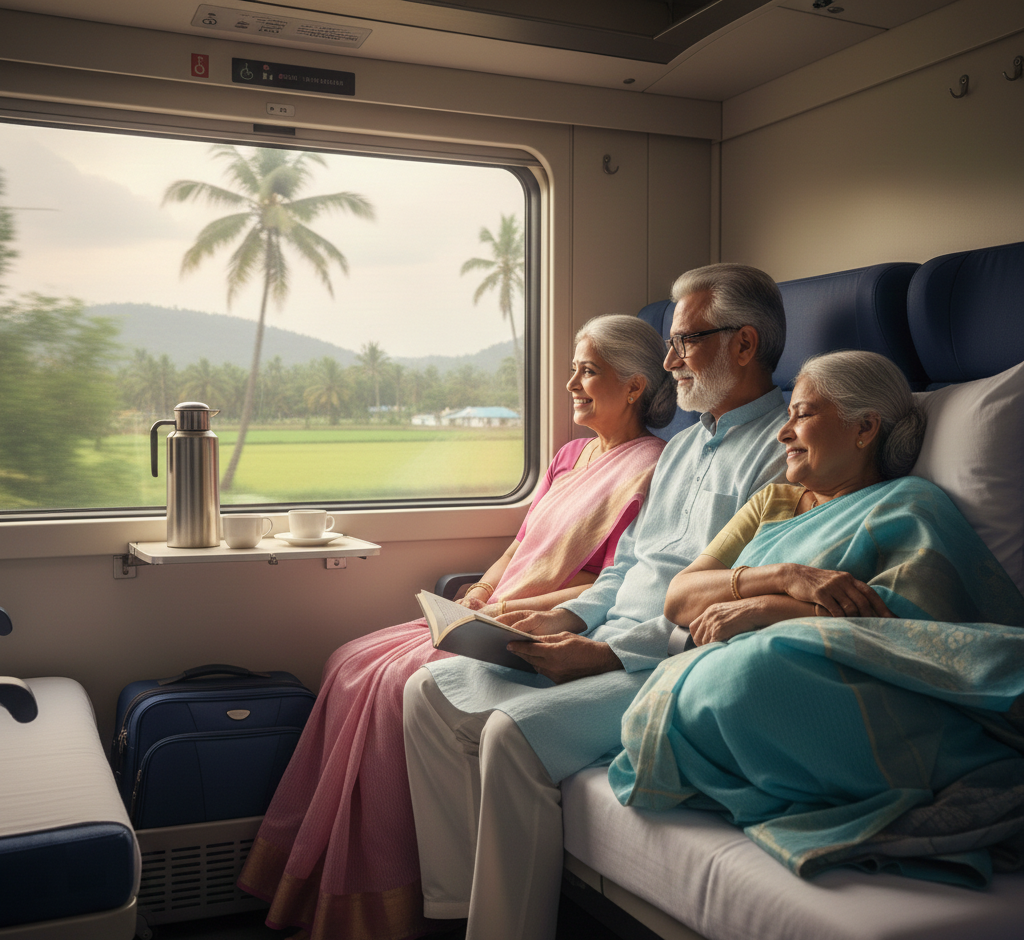
In 2026, traveling by rail remains one of the most beloved and convenient ways for the elderly to explore the country. Whether you’re planning a spiritual pilgrimage or a visit to see grandkids, understanding the IRCTC senior citizen booking process is key to a comfortable journey.
While the landscape of railway senior citizen concessions has seen much debate recently, the current system still offers specific advantages—like the senior citizen quota—designed to make travel easier for those aged 60 and above (men) and 58 and above (women).
This comprehensive, step-by-step guide to booking train tickets for senior citizens will walk you through everything from account creation to securing that coveted lower berth.
Eligibility and Concession Rules (2026 Update)
Before you hit the “book” button, it’s vital to know if you qualify for the specific benefits provided by Indian Railways:
- Age Criteria: Male passengers must be 60 years or older, and female passengers must be 58 years or older.
- Lower Berth Quota: This is a dedicated pool of seats. It is generally available for senior citizens, women above 45, and pregnant women traveling alone or with one other eligible passenger.
- Concession Status: As of early 2026, while there are ongoing discussions in the Union Budget about restoring the 40–50% fare discounts, ensure you check the “Fare Breakdown” on the payment page for any active subsidies.
Step-by-Step Guide to Booking Your Ticket Online
Step 1: Create or Log In to Your IRCTC Account
To book an e-ticket, you must have an account on the official IRCTC Next Generation e-Ticketing website or the IRCTC Rail Connect app.
- If you are a new user, click “Register” and provide your mobile number, email, and Aadhaar details for a verified profile.
- Pro Tip: Linking your Aadhaar makes the senior citizen verification process seamless.
Step 2: Enter Journey Details
On the dashboard, enter your “From” and “To” stations. Select your travel date and the class of travel (Sleeper, 3AC, or 2AC are most popular for seniors).
Step 3: Select the “Senior Citizen” Quota
This is the most crucial step. Under the “Quota” dropdown menu (usually set to General), select “Lower Berth/Sr Citizen”.
Note: This quota ensures the system prioritizes you for a lower berth, which is essential for passengers with mobility issues or knee pain.
Step 4: Add Passenger Details Accurately
When entering name and age, ensure they match your government-issued ID (like Aadhaar, PAN Card, or Voter ID).
- The System Check: The IRCTC portal automatically detects eligibility based on the age you enter.
- Preference: Always select “Lower Berth” in the berth preference dropdown.
Step 5: Choose “Book Only if Lower Berth is Allocated”
Under the “Other Preferences” section, check the box that says “Book only if at least one lower berth is allotted”. This prevents you from being assigned an upper berth if the quota is full, though it may result in the ticket not being booked if no lower seats are left.
Step 6: Review and Payment
Check your train number and timing one last time. Proceed to payment using secure methods like UPI, Net Banking, or Credit/Debit cards.
- Waitlisted Tickets: Avoid booking “Waitlist” tickets for seniors, as they do not guarantee a seat and can be physically taxing if not confirmed.
Essential Tips for Senior Travelers
- Carry Original ID: Always carry your original Aadhaar or Passport. Digital copies on DigiLocker are also valid.
- Wheelchair Assistance: You can pre-book wheelchair services at major stations via the IRCTC website or the “139” helpline.
- Pack Light: Use four-wheel trolley bags for easier movement on platforms.
- e-Catering: Use the IRCTC e-catering service to have fresh, warm meals delivered directly to your seat, avoiding the rush of station food stalls.
Booking a train ticket doesn’t have to be a digital hurdle. By following this senior citizen train booking guide, you can ensure a journey that is as comfortable as it is memorable.
Need help with your booking? Feel free to contact us or visit our website for personalized assistance and the latest travel updates.